Momento Cache Cluster and Flex enter limited preview
Momento Cache puts high-performance Valkey at your fingertips. Cluster provides direct control over topology, while Flex automatically optimizes resources.
 Dylan Abraham
  Jason LaPier
  Tony Valderrama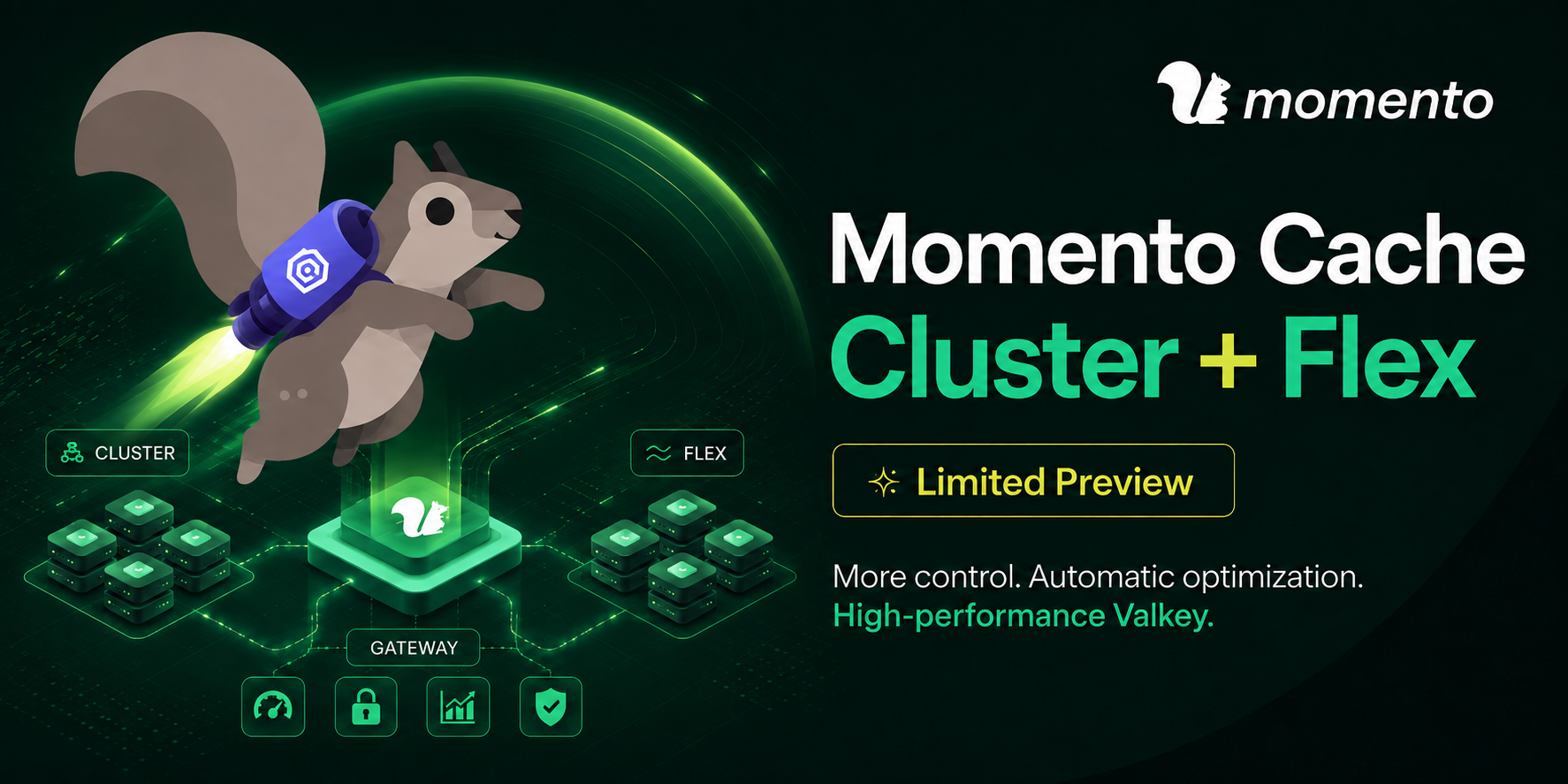
We’re opening a limited preview of the new Cluster and Flex configurations for Momento Cache. This release conveniently packages the technology and operating experience that power some of the largest Valkey clusters in the world.
Momento Cache is built for fast-moving teams who want optimal Valkey performance without the hassle of babysitting infrastructure. Cluster capacity and Flex capacity bring single-tenant, fully-managed resources to this self-service infrastructure platform.
Cluster provides direct control over instance type, shards, replicas, and availability zones. Flex automatically optimizes resources within specified bounds. Both were designed for workloads that need stronger isolation, more control, and a higher performance ceiling than Momento Cache’s Serverless configuration.
Avoiding the trap of operational creep
In the AI era, it’s trivial to stand up basic infrastructure at near-zero cost. We’ve all been there: it’s fast, it’s easy, it mostly works. It’s the right solution when you need to ship.
Then, growth hits. Traffic changes shape. Memory fills unevenly. A shard needs to move. A primary fails. Clients stampede. A zero-day patch lands at midnight. Suddenly, operational creep has consumed the time and the token budget that you wanted to spend on building.
And the problems only multiply as you add more features, products, and services. Soon your entire team is stuck fighting against infrastructure as latency, cost, and complexity steadily creep up and to the right.
Fast, reliable, efficient - pick all three
The Momento platform powers critical features for millions of users around the world at companies like Capcom, Coinbase, Paramount, and Snap. Now, Momento Cache puts the full power and flexibility of Valkey at your fingertips, packaging up hard-won production lessons into a streamlined service.
The new Cluster and Flex configurations help you to tailor a Valkey deployment to fit your specific needs. Momento seamlessly operates the lifecycle behind that system: provisioning, health, failover, rolling topology changes, version upgrades, and security patches.
Whether you’re pushing one thousand or one million requests per second, Momento delivers unrivaled performance and resource utilization. As you grow, your infrastructure grows alongside you. For companies with a mature platform org, Momento Cache can even be deployed in a BYOC configuration, as part of your internal developer platform.
Transparent pricing
Momento Cache pricing is designed to be simple, predictable, and cost-effective. Pricing in us-east-1:
- Flex starts at $13 per GB-month of physical Valkey storage
- Cluster applies a 25% surcharge to the list price for every deployed instance
- Data transfer includes 200 GB of ingress + egress each month, then $0.05/GB
Momento Cache supports rapid autoscaling within a specified capacity range, making it easy to reduce the cost of idle resources.
Designing for scale
Momento Cache employs a two-tiered architecture that significantly improves reliability and efficiency at scale. Each valkey cluster sits behind a gateway that handles the hard traffic problems like hot keys and connection storms before they hit the data layer.
The gateway exposes a RESP endpoint, so Momento Cache is compatible with all standard Valkey and Redis clients. It masks the underlying cluster, presenting a single stable endpoint across any topology changes.
The gateway is optimized to quickly process TLS, auth, rate limits, and other traffic management concerns at high concurrency and high throughput. It multiplexes client traffic across a pool of warm connections to the Valkey cluster. This reduces connection latency, and enables advanced capabilities like request coalescing.
The result is an efficient system with deliberate separation of responsibilities. The gateway absorbs traffic concerns, while Valkey nodes focus their resources on handling data.
Get started with Momento Cache
Try out Momento Cache in a few short steps with the Momento CLI. While the service is still in preview, you’ll also need to request access via the web console.
First, create an API key in the Momento console, copy the endpoint for your region, and configure the default CLI profile:
# paste the api key and endpoint when prompted
momento configure
Then, create a Capacity Pool. Be sure to provide valid zone IDs for your region:
momento preview pool create \
  --name example-pool \
  --capacity-gib 32..128 \
  --replicas-per-shard 1..2 \
  --zones use1-az1,use1-az2

momento preview pool describe --name example-pool
Once the Capacity Pool status is active, you can create a Database:
momento preview database create \
  --name example-db \
  --pool-name example-pool
Back in the console, open the pool’s Databases tab and copy the regional RESP endpoint. Connect any Valkey or Redis client in standalone mode to this endpoint over TLS on port 6379. The Database name is the username, and your Momento API key or token is the password. Here, we’ll demonstrate with the official valkey cli:
valkey-cli -h <resp-endpoint> -p 6379 --tls \
  --user example-db --pass <momento-api-key>

> SET example-key "ready"
OK
> GET example-key
"ready"
Congratulations! You now have a high-performance Valkey cluster ready to go.
Next, check out the docs to learn more about Momento Cache’s capabilities. Or, if you want to push your cache to the limit, load up cachecannon on a c7g.xlarge instance in the same region and zone as your Database!
Up next
This launch begins the next chapter for Momento Cache. Stay tuned as we port more features from our enterprise services into Momento Cache, including VPC peering and S3 integration!
We’re looking for feedback from teams operating demanding Valkey workloads as we refine the product. If you’re building a fast-growing product, operating a large Valkey or Redis cluster, designing an internal caching platform, or helping teams adopt Valkey, we would love to hear what you need next and where we can help out.
We’re grateful to the engineers and partners who turned years of demanding operating experience into a service anyone can start using today. Special thanks to Dylan Abraham and Jason LaPier for leading the development effort!